From the workbench
robotsrecon
Reconnaissance with robots.txt
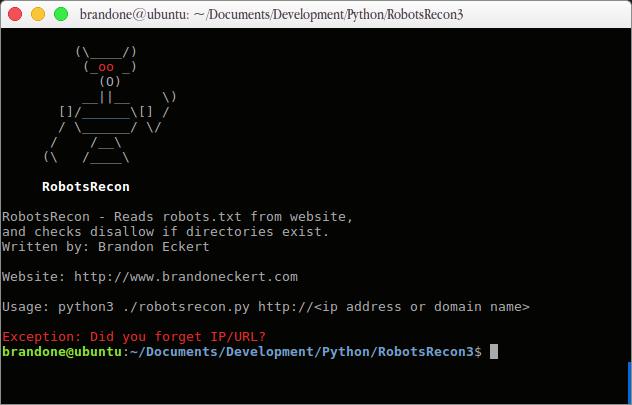
I built RobotsRecon to automate a task I found myself doing often: reading a website’s robots.txt file and checking whether the paths in its Disallow entries exist.
A robots.txt file gives instructions to web crawlers, including those used by search engines. It lives at the root of a website and can specify different crawling rules for different crawlers.
Why is this useful?
Site owners sometimes list sensitive paths in robots.txt because they do not want search engines to crawl them. Those entries can reveal locations of configuration files, backups, or other information useful during reconnaissance.
The file is public, and its rules do not enforce access control. As Google’s robots.txt documentation explains, crawlers can ignore those rules, and disallowed URLs can still appear in search results.
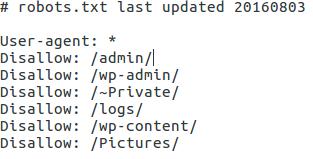
Entries can also become outdated as a site’s directory structure changes. I have seen robots.txt files with hundreds of paths, which makes checking each one manually a chore. RobotsRecon automates that check. The example below shows the kinds of paths a robots.txt file can reveal.
Download and usage
Source code and usage instructions are in the RobotsRecon GitHub repository.